Manual Testing
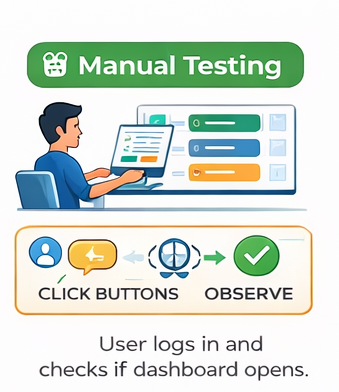
The user interacts with the system by clicking buttons, then checks what happens and confirms whether the result is correct.
- User logs in and checks if dashboard opens
- Click button → verify navigation works
- Fill form → validate error messages
- Check UI alignment manually
Automation Testing
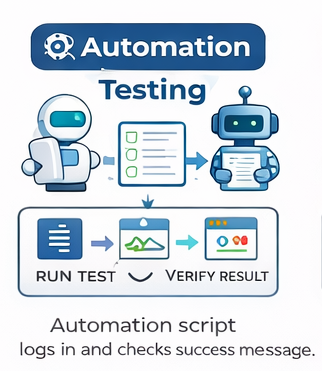
Scripts automatically run test cases and validate results.
- Auto login test script
- API response validation
- Regression test suite execution
- CI/CD pipeline test runs
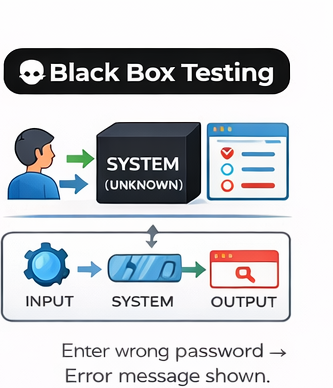
Black Box Testing
Testing without knowing internal logic.
- Wrong password → error shown
- Submit empty form → validation
- Search feature returns results
- File upload works correctly
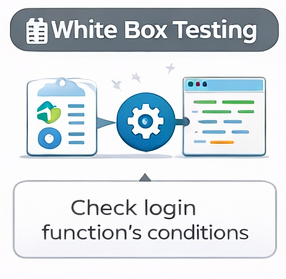
White Box Testing
Testing internal code logic.
- Check if/else conditions
- Loop execution validation
- Code coverage testing
- Path testing for logic branches
Functional Testing
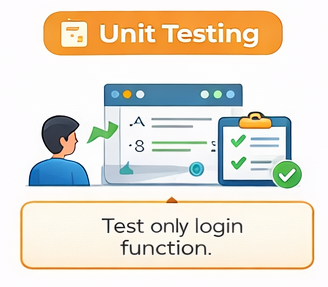
Unit Testing
Testing individual functions.
- Test login function
- Validate calculation logic
- Test utility functions
- Mock dependencies
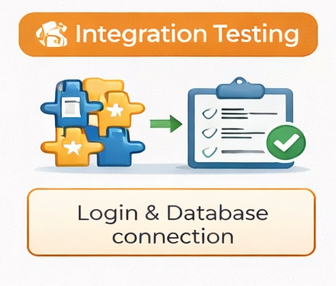
Integration Testing
- Login + database connection
- API + frontend integration
- Payment gateway integration
- Service-to-service communication
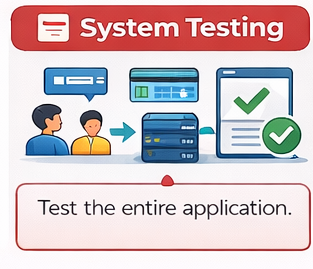
System Testing
- Complete user journey
- End-to-end workflow testing
- Order placement flow
- Full system validation
Non-Functional Testing
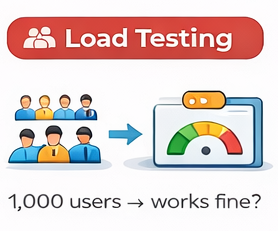
Load Testing
- Simulate 1000 users
- Measure response time
- Check server stability
- Test peak usage hours
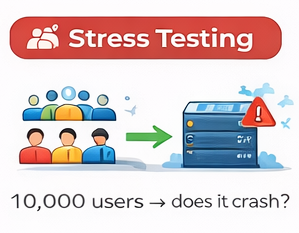
Stress Testing
- Push system beyond limits
- Crash point identification
- Extreme traffic simulation
- Recovery testing after failure
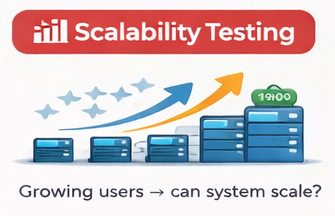
Scalability Testing
- 100 → 1000 → 10000 users
- Auto-scaling validation
- Database scaling test
- Horizontal vs vertical scaling
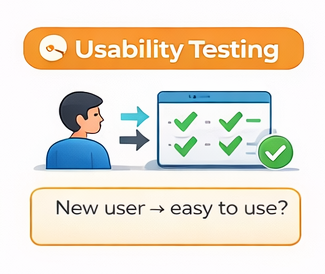
Usability Testing
- User navigation ease
- UI/UX feedback
- Accessibility testing
- Task completion time
Compatibility Testing
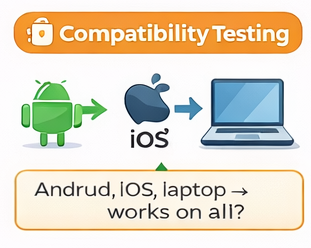
- Android, iOS testing
- Browser compatibility
- Screen size responsiveness
- OS version testing